 Entrar
Esta página está disponível só em inglês. A versão em português depende de revisão de um advogado, não de tradução.
ExplainersF1 3D Simulation Guide: Replay Races Like a Strategist
A 3D replay lets you move the camera instead of waiting for the director. Here is how to use GridRaces 3D properly.
Key takeaways
- An F1 3D simulation unlocks the camera so you judge a race decision yourself instead of following the broadcast.
- GridRaces 3D currently catalogues Baku and Miami replays and offers practice, Singapore and Sepang demo and garage actions.
- Live moments are short two-option questions that close within ten minutes and use virtual Energy only.
- Pair a replay with stint and pit data from the telemetry page to see why a decision worked.
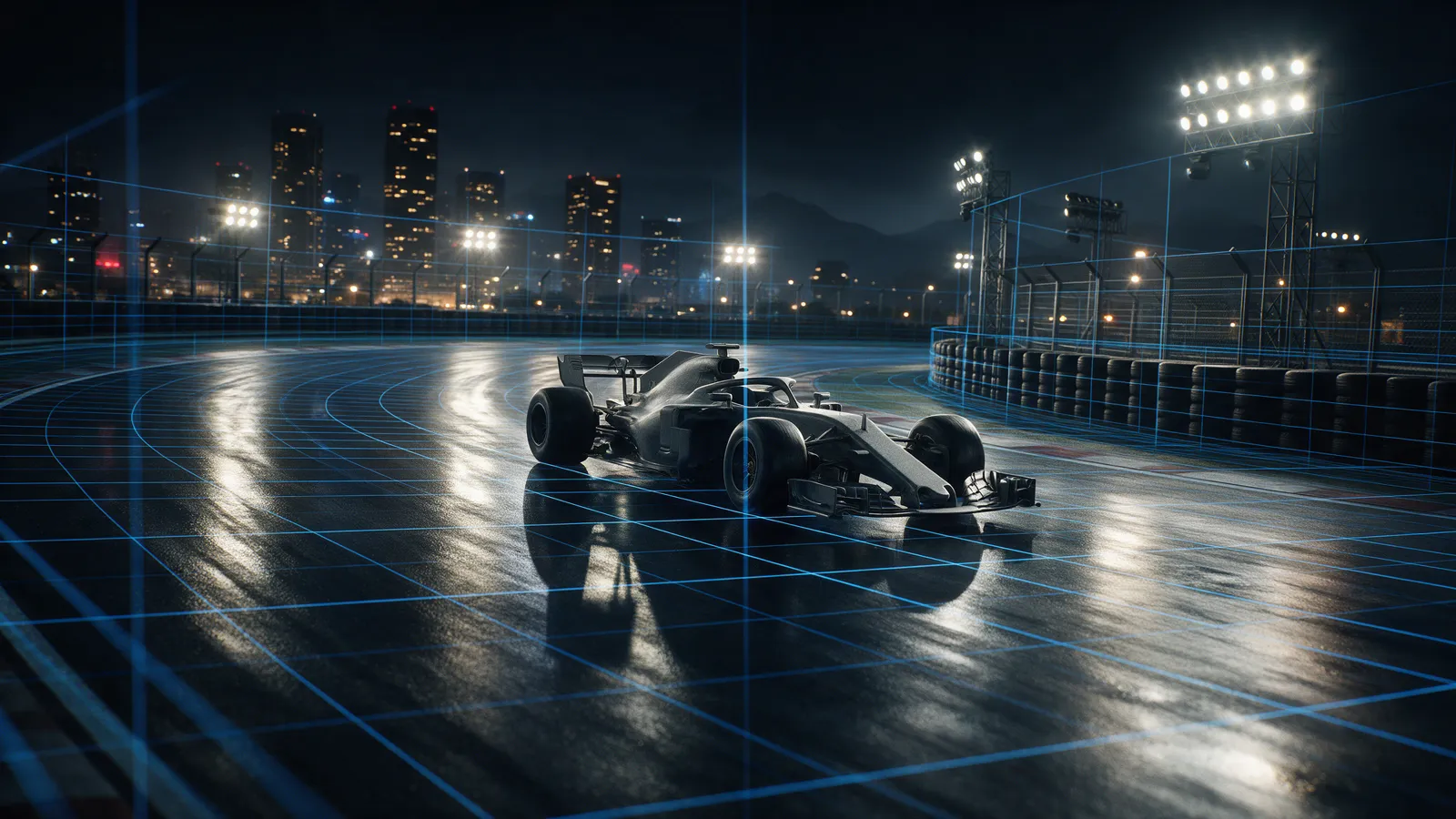
An F1 3D simulation lets you rewatch a race from inside the decision: you choose the camera, the car and the moment, and the replay shows you the fight instead of the finishing order. GridRaces runs one at /3d. This guide explains what it contains, how to use it to understand a race better than the broadcast allows, and where its limits are, so you do not expect it to be something it is not.
What is an F1 3D simulation?
It is a replay or game environment that renders cars and track in three dimensions, so the viewpoint is yours. A broadcast gives you one director's choices. A 3D simulation gives you the same race with the camera unlocked: trailing a rival into a braking zone, sitting in the cockpit, or watching the garage while the stop happens.
It is not television and it is not a physics laboratory. Treat it as a way to ask better questions of a race you already know the result of.
What can you do in GridRaces 3D?
According to the project's own product notes, the /3d hub is built around real recordings of the game itself, HUD and graphics included, rather than generated footage. The hub shows three kinds of play: battles between cars, camera angles, and a garage view. It also carries a catalogue of replays, currently Baku and Miami, with search, select and reset controls, plus practice destinations and demo and garage actions for Singapore and Sepang. The hub also carries a countdown to the next Grand Prix.
Three points are worth knowing before you click:
- The footage on the hub is gameplay, not broadcast footage. What you see is what the game renders.
- The replay catalogue is limited. Two races is a shelf, not a library, and we would rather say so.
- Performance depends on your device and browser. A modern laptop is the safe bet.
Why replay a race you already watched?
Because the result hides the argument. The finishing order says who won; it does not say why the pit call came at lap 24 and not lap 21. Our explainer on the undercut shows why pitting first can work. A replay lets you check whether it did in a particular race, from a position that shows the gap closing.
Pair it with numbers. The telemetry page holds the stint and pit data, and our pit stop times analysis shows who gains and loses in the pit lane. Watching a stop in 3D while reading the stop time next to it is a better education than either alone.
How do live moments work?
When a session is running, the 3D game can open short prediction moments tied to what is happening on track. Each one is a question with two options, each carrying a multiplier, and it closes within ten minutes. You put virtual Energy on the option you believe in. When the moment is settled from the session data, a correct call returns your Energy multiplied by that option's multiplier.
Two things to keep straight. Energy is a virtual currency inside GridRaces, not money. And live moments depend on a working live data feed; when no session is running there is nothing to call, which is why the replay catalogue matters.
What does the simulation not do?
It does not predict the race. It does not replace the broadcast, and it is not an official Formula 1 product. It will not teach you tyre degradation by itself either; for that, read the stint data and then go back to the replay to see what the driver was fighting.
How should you use it in a race weekend?
- Before the session, open the live page and check what is on.
- During the race, make your picks on /predict with the telemetry open in another tab.
- After the race, pick one decision, such as a stop or a defence, and replay it from two cameras.
- Write down what you changed your mind about. If nothing, you watched the same race twice.
The point is not to feel like an engineer. The point is to be a better judge of a decision on the second look than on the first.
Where do you start?
Open the GridRaces 3D hub, pick the Baku or Miami replay, and choose one overtake. Watch it from behind the attacker, then from the cockpit. Then ask what the defender could have done a corner earlier. That one question is the whole method.
Frequently asked questions
What is an F1 3D simulation?
A 3D environment or replay where you control the camera and viewpoint, so you can watch a race decision from behind a car, from the cockpit or from the garage instead of the broadcast angle.
Is GridRaces 3D an official Formula 1 product?
No. It is an independent GridRaces product and the footage shown on the hub is recorded from the game itself.
Does GridRaces 3D use real money?
No. Predictions use virtual Energy only.
Related
Best F1 Games 2026: What to Play While There Is No F1 26
No F1 26 this year. A guide to the best F1 games in 2026: driving, prediction, fantasy and 3D replay.
F1 Undercut Explained: Why Pitting First Can Win a Race
F1 undercut explained: how an early pit stop can pass a rival, why it fails in traffic, and what to watch at Singapore.
F1 Hard Tyre Stint Length 2026: How Far Hards Really Go
GridRaces data from 340 hard-tyre stints in 2026: average 24.3 laps, median 24, and a spread that should shape Austin strategy talk.